
Digital Newbie
Course
Lean Design
Team
Sofie Freund, Theresa Kahlenbach
Supervision
Prof. Jens Döring | Prof. Dr. Gerhard Buurman
Grade
1,0
Many seniors want to use digital devices more independently, but complex interfaces, missing feedback and fear of making mistakes often create insecurity. As a result, they frequently depend on relatives or helpers for everyday digital tasks.
The goal was to develop a supportive system that helps seniors navigate digital applications step by step, while building confidence and digital independence.
Through expert and user interviews, feature prioritization and two rounds of usability testing, the concept was iteratively adapted to the needs, fears and learning habits of the target group.
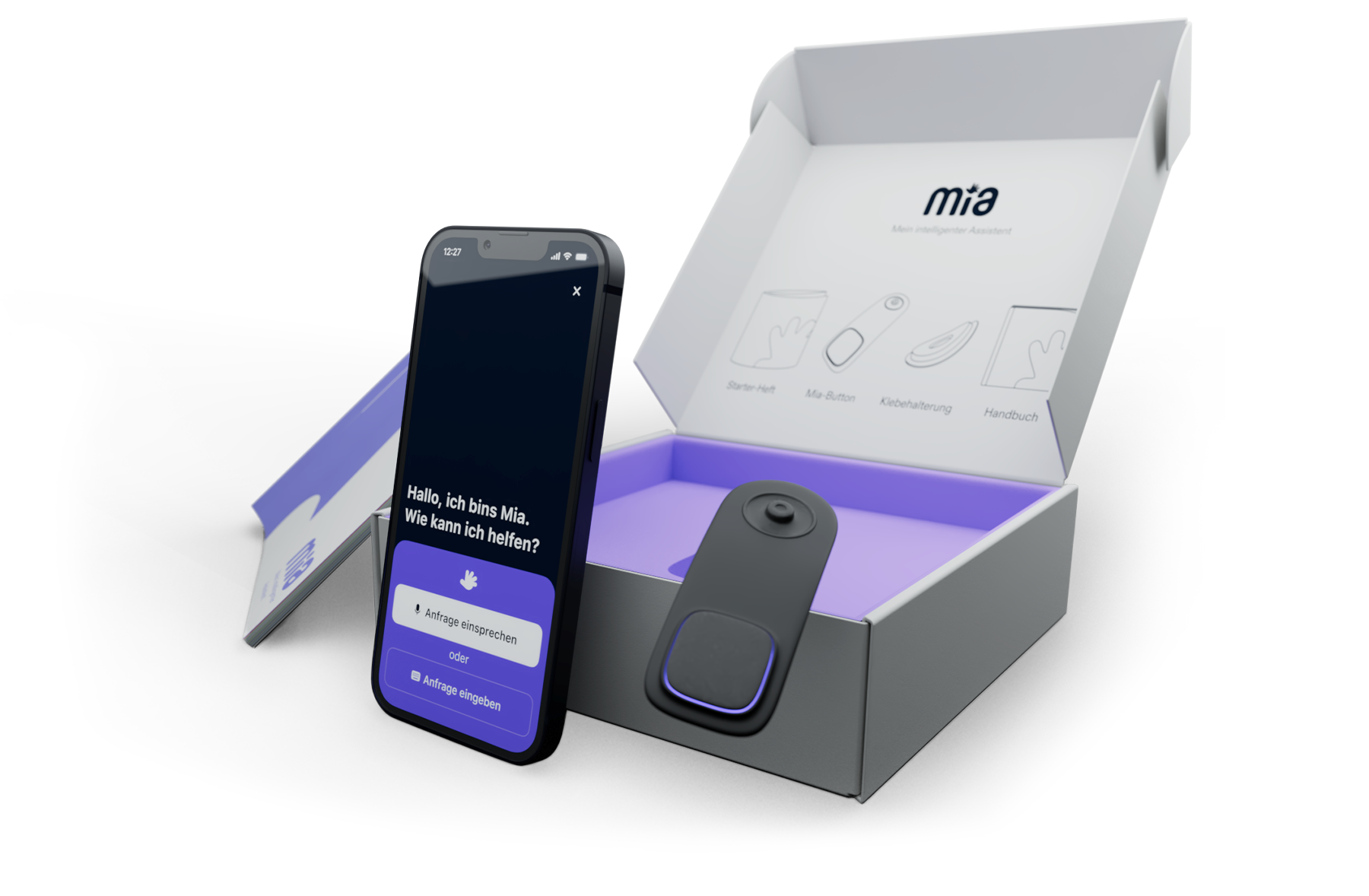
The result is Mia, a digital assistant with a physical button, starter package and learning app that guides users through digital processes in a clear, contextual and reassuring way.
“We're always being stigmatized.”
“We're really afraid of making mistakes.”
“We often depend so much on our family members."
“Apps and websites just aren't designed for our generation.”
“We never know what happens when we click somewhere, there's no feedback.”
"We don't even know where to start learning it!"

Click anywhere to talk to them

During our research, we gained some insights that could be directly translated into requirements for our product – requirements that must be met in order to reach our target audience of seniors.

Clear, detailed and targeted language

Age & Skill-Appropriate Design

Familiar structures and repeating elements

Analogue and digital entry points

Support through visuals & demonstrations

Clear feedback and error avoiding processes

Warm language and design and accessible help

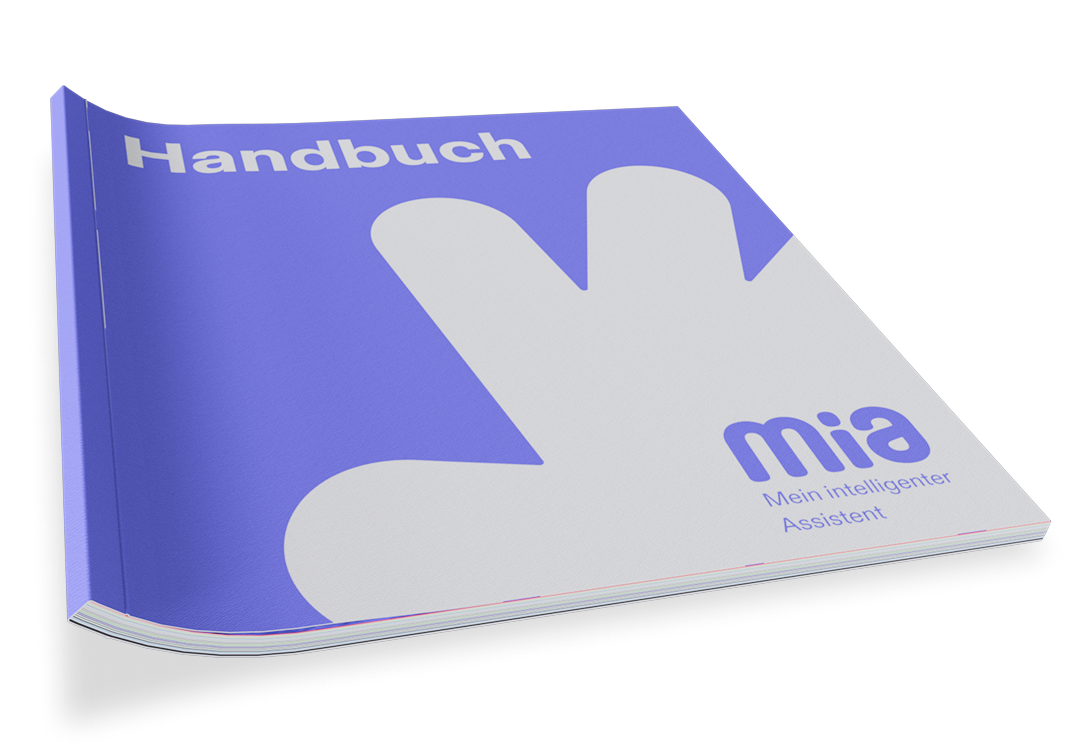
The starter box contains the starter booklet with NFC card, which makes it easy to install the Mia app. The Mia button is used to easily activate the assistant. The leaflet provides information on how to attach and use the button. The manual provides further instructions and information in analog form.
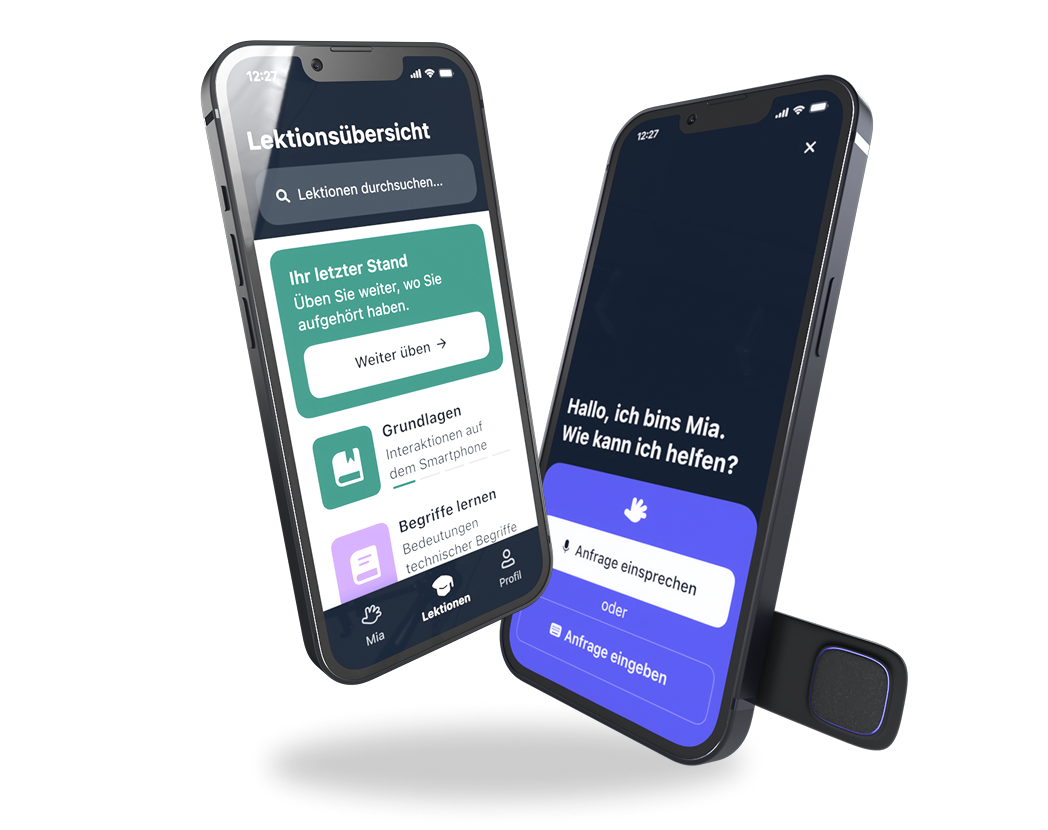

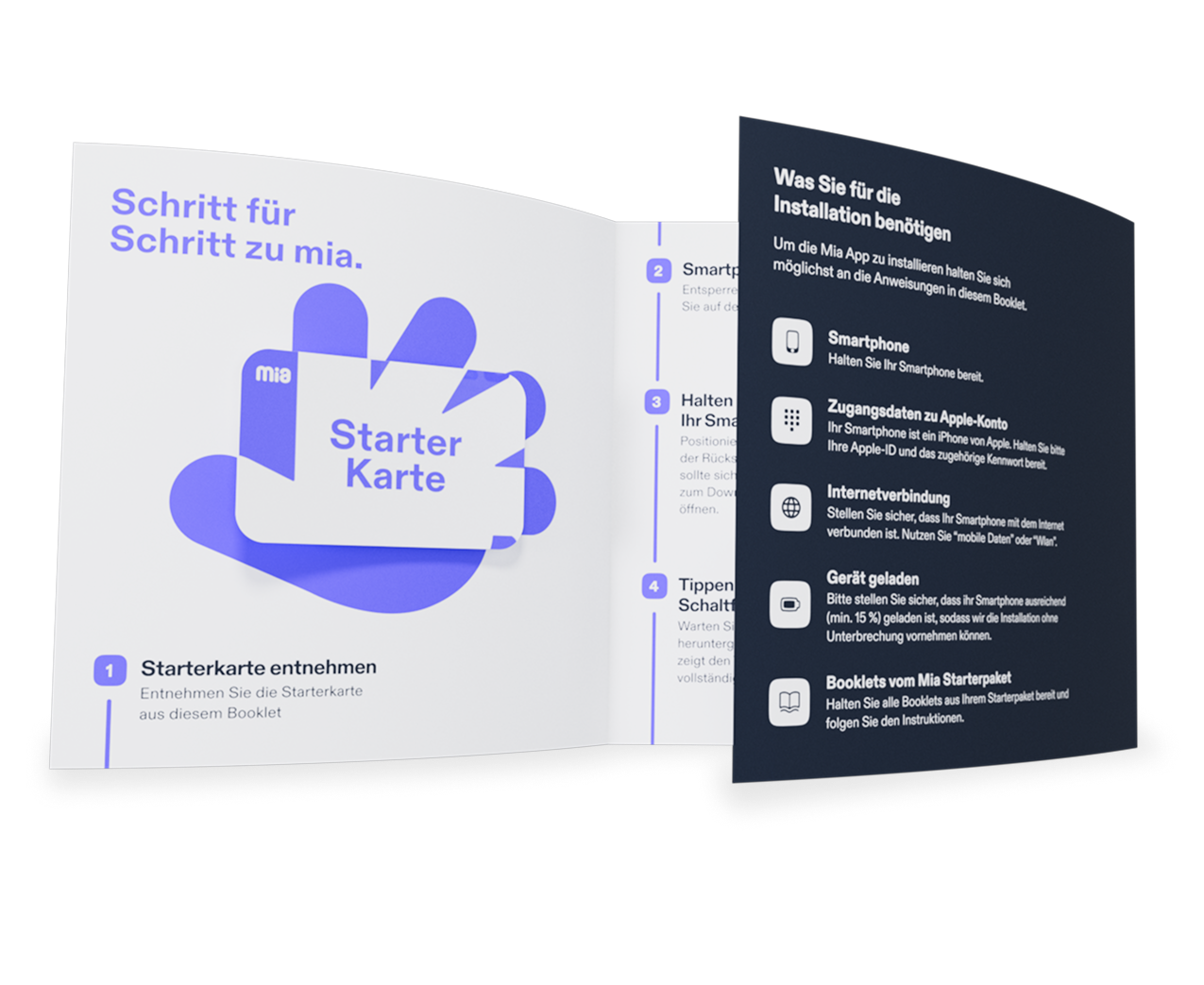

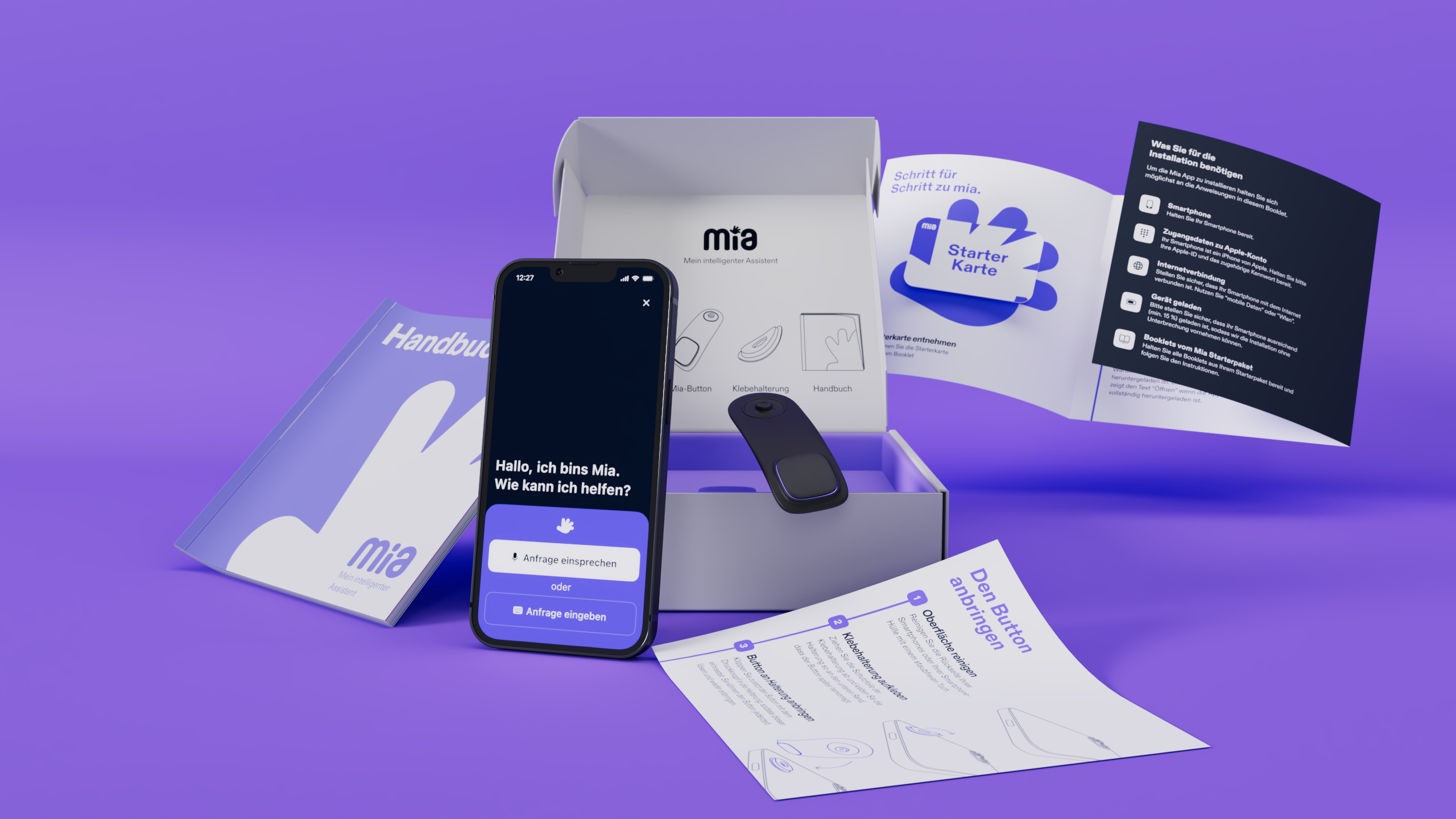
Onboarding and the user experience were particularly important for the digital assistant Mia, as they were key to effectively meeting users where they are and ensuring a barrier-free introduction to the application. That is why we tested it with a total of six older adults who had previously been reluctant to use digital systems.
Easy activation via Mia button
Constant availability and easy activation for immediate assistance.
Multiple input options
Option to speak the request or enter it using the keyboard.
Context-based suggestions
Smart suggestions based on the feature options of the respective application and situation.
Protection against incorrect inputs
The assistant recognizes when the predefined path is left and provides reassurance through a confirmation dialog.
Support and Troubleshooting for Edge Cases
The system detects when relevant functions are disabled and provides direct troubleshooting support or explains why the service is currently unavailable.
The digital assistant’s learning app offers users step-by-step lessons on a wide range of topics. In addition to theoretical content, the app includes interactive lessons designed to strengthen users’ digital literacy.
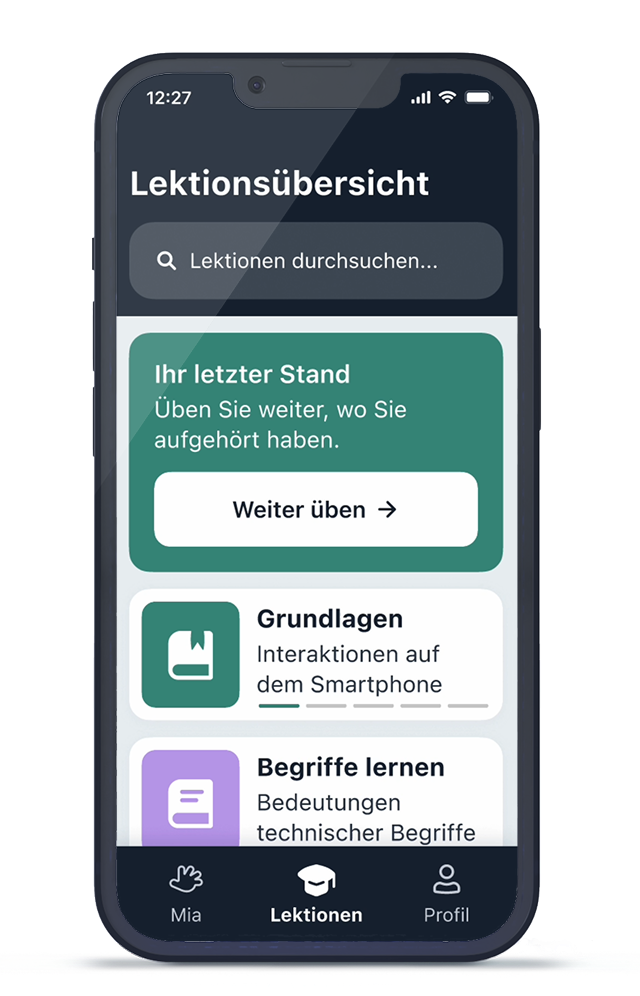
The learning app provides a clear structure that guides users through each learning step.
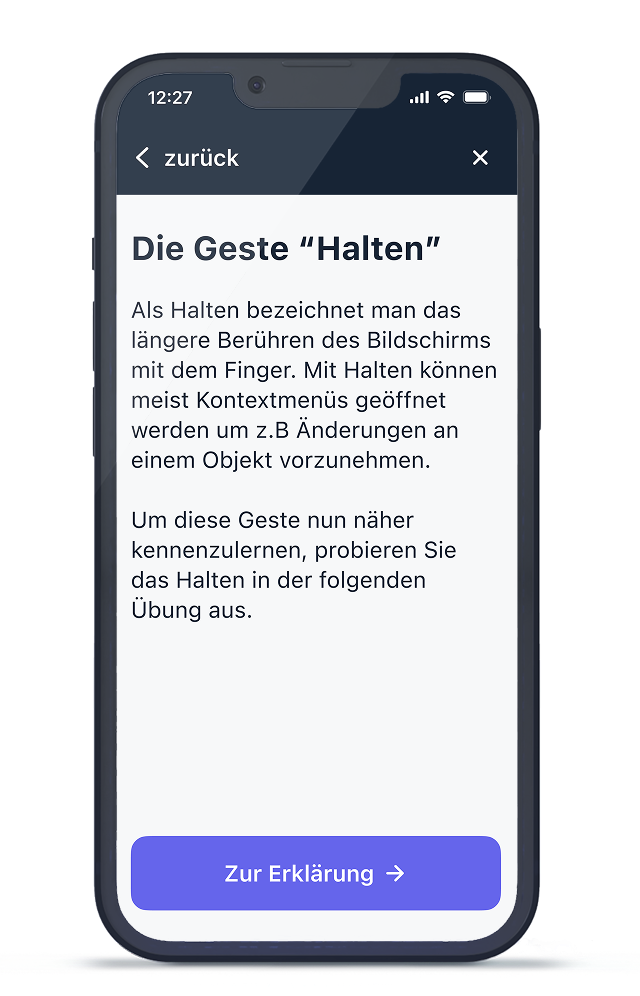
At the beginning of each learning section, the app introduces the topic and explains why it is relevant.
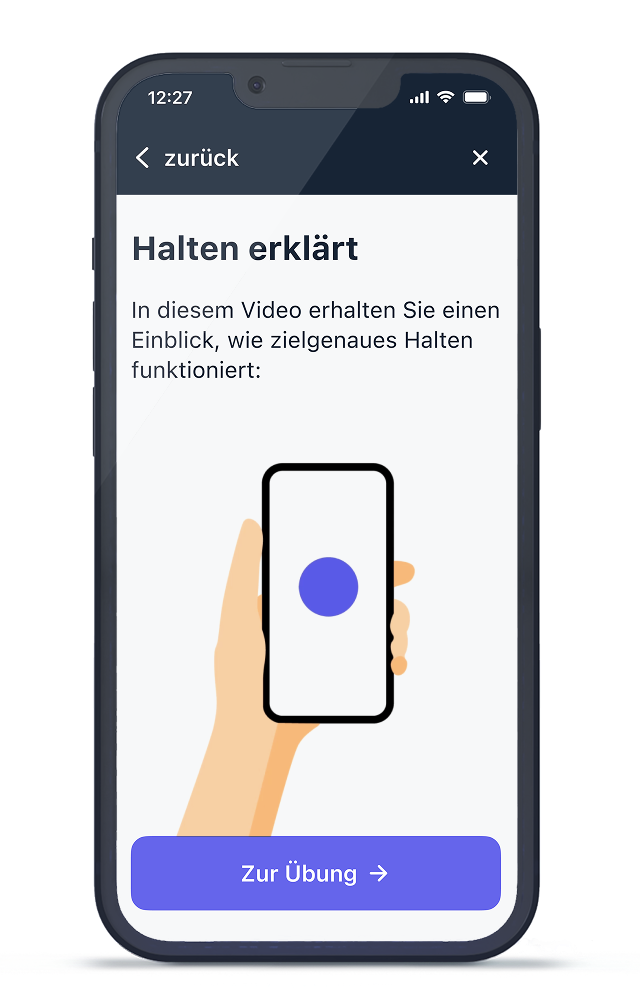
Learning by imitation is a fundamental learning concept that the app utilizes.
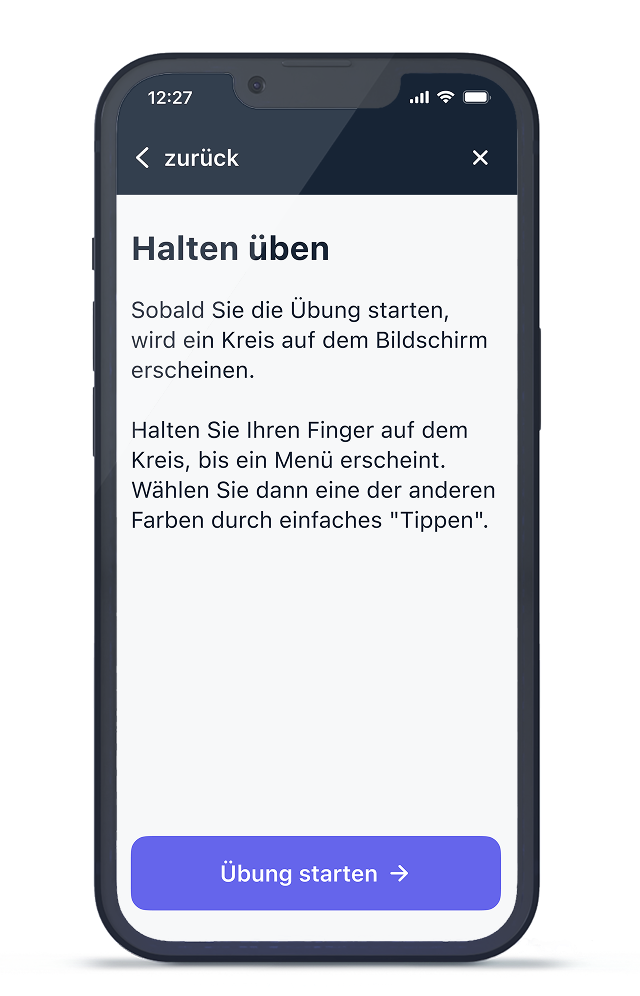
Users receive clear instructions on what they need to do during the exercise.
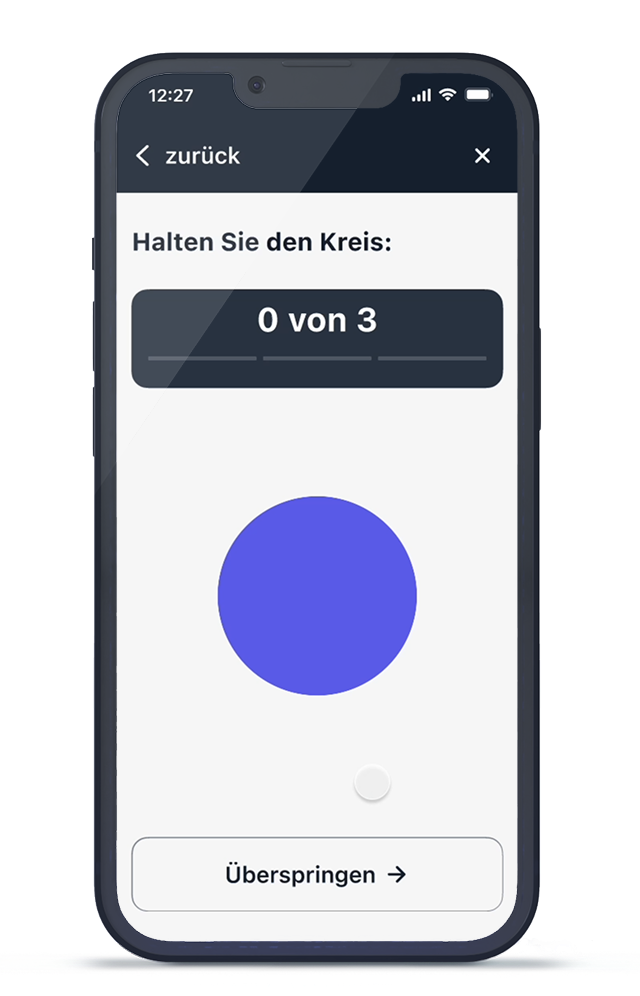
Lessons are designed to reinforce movement patterns and rely on the concept of repetition to solidify knowledge.
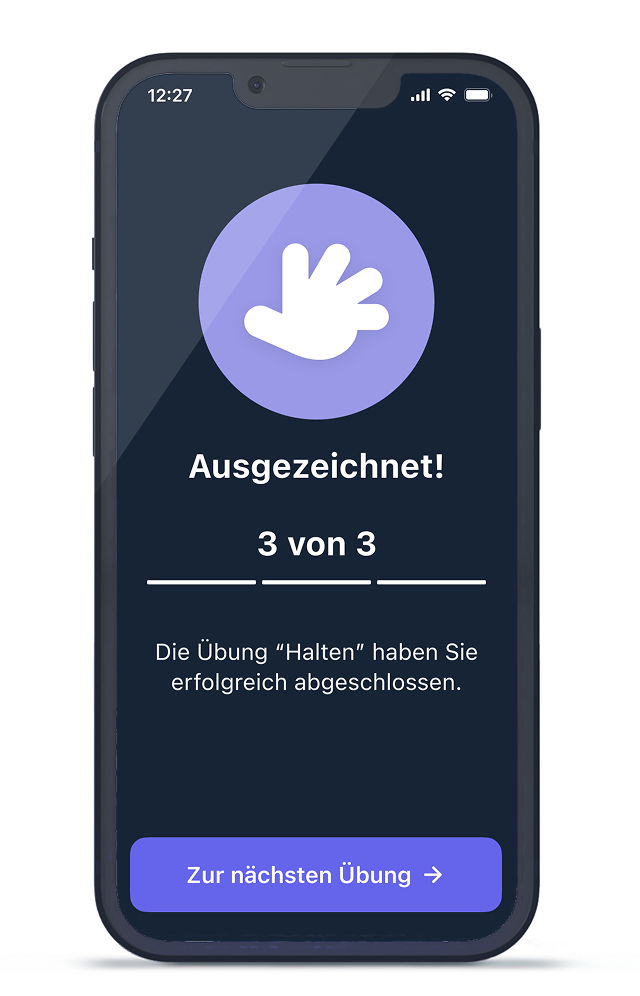
After completing the exercise, users receive positive feedback or a reward to stay motivated.


